
Florian Formentini
Wednesday, November 14, 2018
Automated Health Insurance Card Reading
How could healthcare professionals avoid manually copying information from a health insurance card?
During my studies at CESI, we worked on a case inspired by a real-world business problem: building a prototype able to extract the main information from a scanned insurance card and decode its DataMatrix.
The project was completed by a team of four, with one project manager and three developers. I worked as one of the developers, mainly focusing on OCR configuration.
The problem
The prototype had to retrieve several pieces of information from the card:
- insurance provider name;
- AMC number;
- agreement types;
- secondary routing criteria;
- member number;
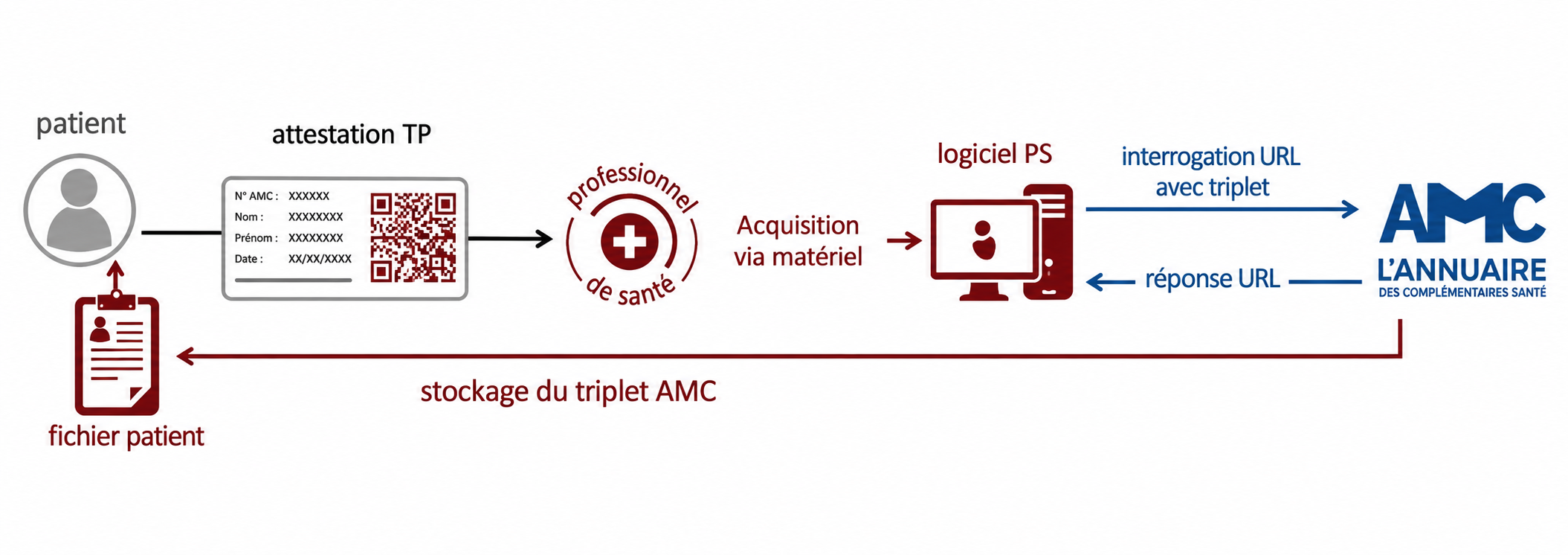
- DataMatrix content used to access AMC directory services.
This was an academic prototype rather than a production-ready medical application. The goal was to demonstrate that part of the data-entry process could be automated from real card scans.
Our approach
We chose to build a desktop application using C# and WPF.
This gave us a simple interface while leaving room for a future direct connection to a healthcare professional’s scanner.
Two libraries handled the extraction:
- Tesseract OCR for text recognition;
- DataMatrix.Net for decoding the DataMatrix printed on the card.
Card-specific profiles
We had access to slightly more than a dozen scans covering approximately five or six insurance providers.
Using these samples, we created a small set of profiles directly in the code. Each profile defined the areas in which the OCR engine should look for specific fields, as well as the expected DataMatrix location.
The user manually selected the profile matching the displayed card.
A default profile could scan a larger area when no specific configuration was available or when the card had not been scanned straight.
This was a deliberately simple solution, but it was appropriate for the limited number of card formats and the time available.
Dealing with imperfect OCR results
The prototype produced mostly satisfactory results on the available test scans, although some card formats were more difficult to process.
The main issues came from:
- very small fonts;
- slightly rotated scans;
- unwanted characters introduced by OCR.
We added several regular-expression-based cleaning rules.
When a result looked uncertain, the related field was highlighted in red to indicate that manual verification was required.
The original card image remained visible in the interface, allowing users to compare and correct the extracted information.
What I learned
This project gave me a practical introduction to the constraints of OCR systems.
The challenge was not simply choosing a library. It also involved defining useful recognition areas, handling document quality, cleaning the output and clearly communicating uncertainty to the user.
I also found the balance between automation and human validation particularly valuable: the application performed an initial extraction while still allowing users to review and correct the result.
Possible improvements
With more time, we could have:
- started the scan directly from the application;
- displayed recognition areas over the card image;
- made those areas editable from the interface;
- stored profiles outside the source code;
- automatically detected the insurance provider profile;
- saved extracted data to a database;
- parsed the DataMatrix content in more detail.
comments powered by Disqus